Before you can use GolfApp, you'll need an account. This only takes a moment — all you need is your phone number.
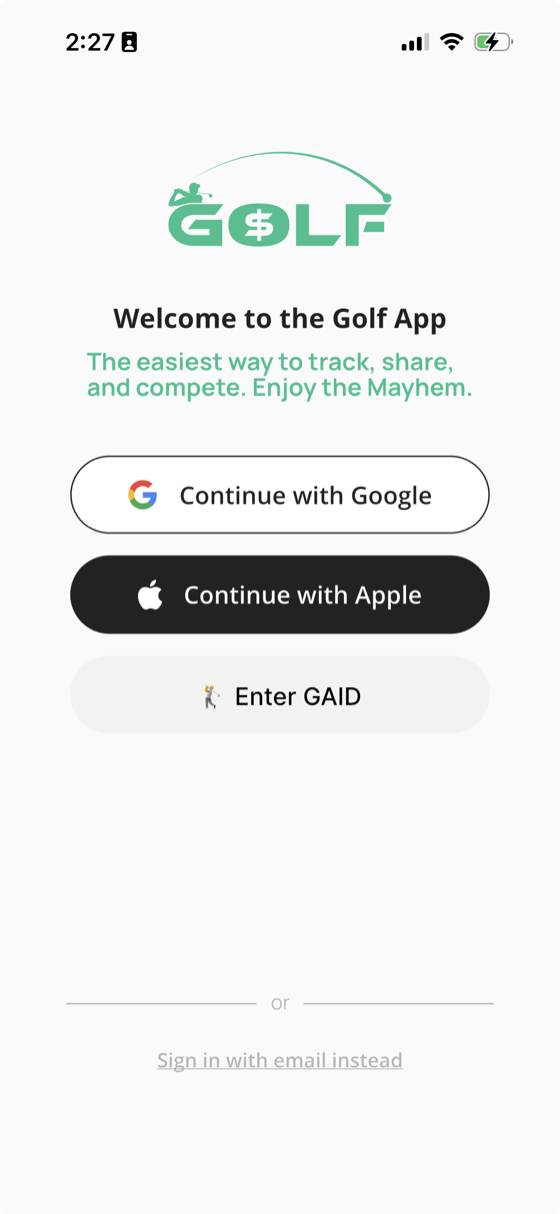
Sign in with your phone number
GolfApp uses your phone number to sign you in. There's no password to create or remember.
- Open GolfApp and enter your phone number
- We'll text you a verification code
- Enter the code to confirm it's you
The first time you sign in, your account is created automatically. After that, you'll sign in the same way with the same phone number.
Already added by a commissioner or organizer?
Sometimes your account is set up for you before you ever open the app — by a league, club, or trip organizer.
If that's the case, sign in with the same phone number they have on file for you. Any rounds, games, and history already tied to your account will be waiting when you sign in.
A few helpful notes
- You must be signed in to use GolfApp
- Use a phone number you can receive texts on, so you can get your verification code
- If your account was set up for you ahead of time, sign in with the phone number the organizer used