One-time setup
Quick, flexible
To use GolfApp, you need an account. That's it.
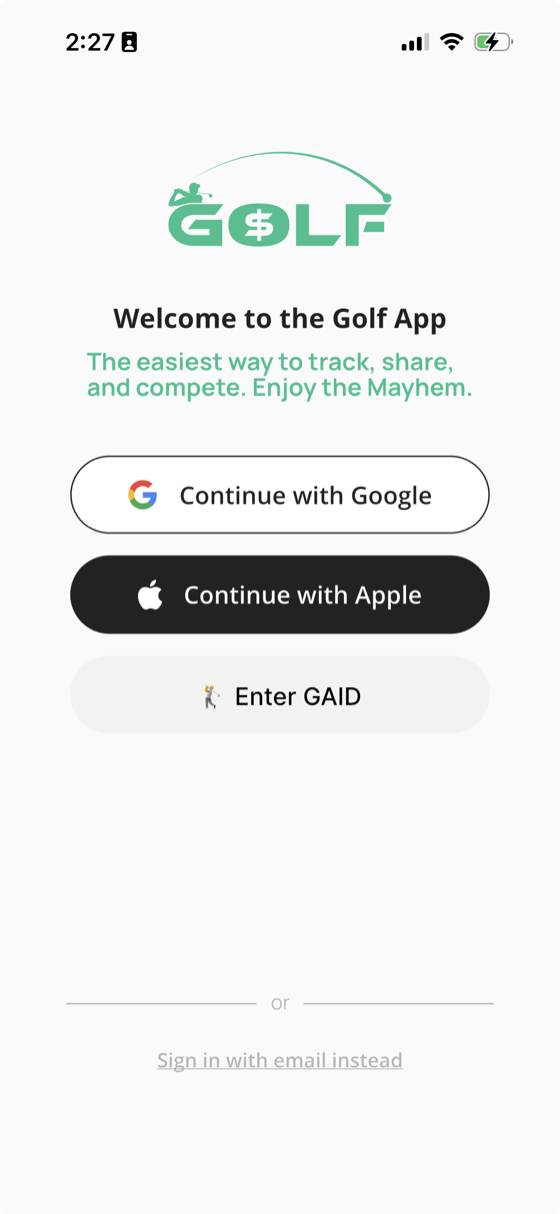
Sign in with your phone number
Enter your phone number, then type in the verification code we text you. That's the whole sign-in — no passwords to remember.
What if someone I'm playing with doesn't have the app yet?
No problem. You can still:
- Add them by name
- Enter an estimated handicap
They'll participate fully in games, standings, and history. For best results long-term, we recommend everyone eventually gets the app.
Link your GHIN
Highly recommended
GHIN integration is optional, but highly recommended.
When linked:
- Your latest handicap index is pulled in automatically
- It updates whenever you open the app, view your profile, or get added to a round or game
- Games stay fair and accurate without manual updates
You can also post completed rounds back to GHIN, so you don't have to enter scores twice.
Create a round (or a trip)
Creating a round is simple. All you need:
Rounds can be scheduled in advance and edited anytime.
Planning a trip?
Trips are just linked rounds. Think:
- "Vero Golf Trip"
- "Louisville Spring Weekend"
Each round has its own games, but everything lives together as one trip.
Invite players your way
There are two ways to fill a round.
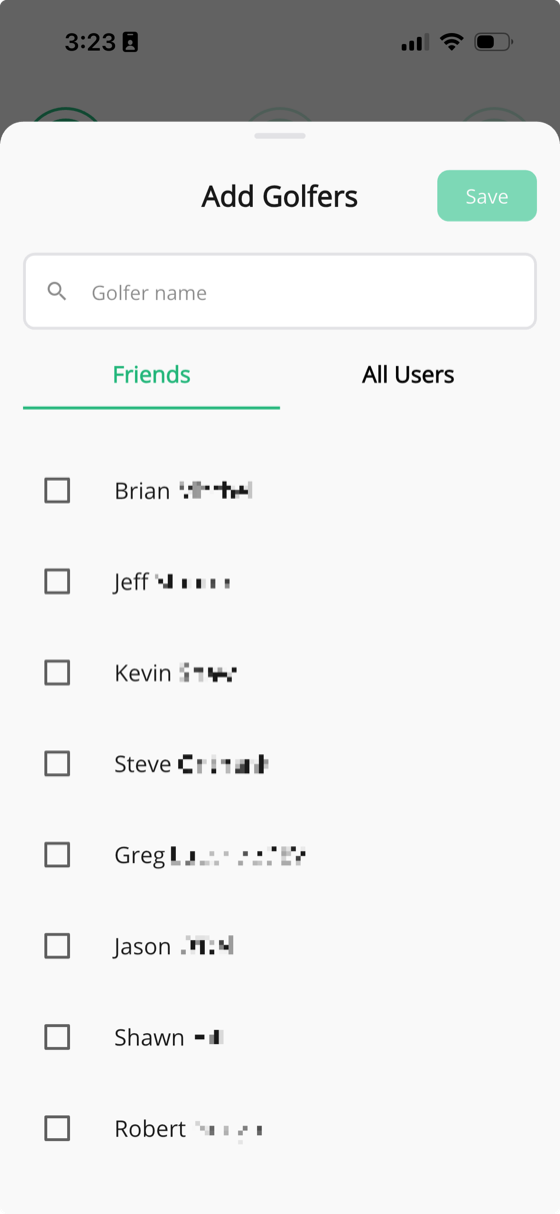
Add known players
If you already know who's playing, add them directly.
Send a listener invite
Perfect when plans aren't locked yet.
How listener invites work:
- Send invites via push or text
- Set a cap (for example, 9 golfers for three tee times)
- Players accept or decline
- Overflow players stay on a waitlist and can be swapped in later
First come, first served. No group texts needed.
Add games (as many as you want)
This is where GolfApp shines.
You can add:
- Games within a single foursome (Wolf, Nassau, Scotch, Stableford)
- Games across groups (net skins, team tournaments)
- Games with 3 players (Nine Point / 5-3-1)
- Explain nothing to anyone
There's no limit to how many games you can run at once.
Some games are capped at 4-5 players. Others scale to dozens (or more).
Yes, someone once ran over 100 individual Nassau games in one trip. Auto-2-down presses can get out of hand!
GolfApp handled it.

Enter scores. That's it.
Anyone in the group can enter scores.
- Scoring is per hole
- Scores can be edited anytime
- Multiple people can enter scores without conflicts
- All calculations happen in the cloud, instantly
You never need to:
- Track side bets
- Remember rules
- Argue about payouts
Just enter raw scores.
For a closer look, see How to enter scores.
See everything update in real time
With paper scorecards, one person controls the math. Sometimes it's honest mistakes. Sometimes it's wishful thinking. Either way, the round disappears when the card does.
GolfApp keeps everyone on the same page — in real time, and long after the round is over.
Every round has:
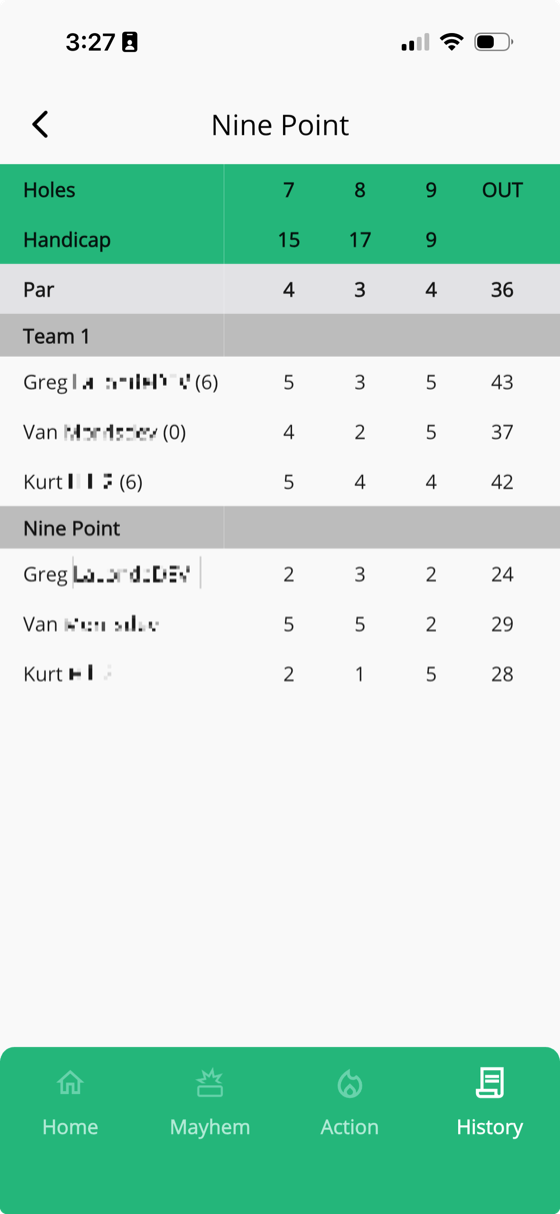
- A round scorecard with raw scores (and optional handicap dots)
Every game has:
- Its own scorecard or leaderboard
- Points won or lost (use points as dollars, beers, bragging rights, whatever you want)
All games update instantly as scores come in, even across multiple groups.
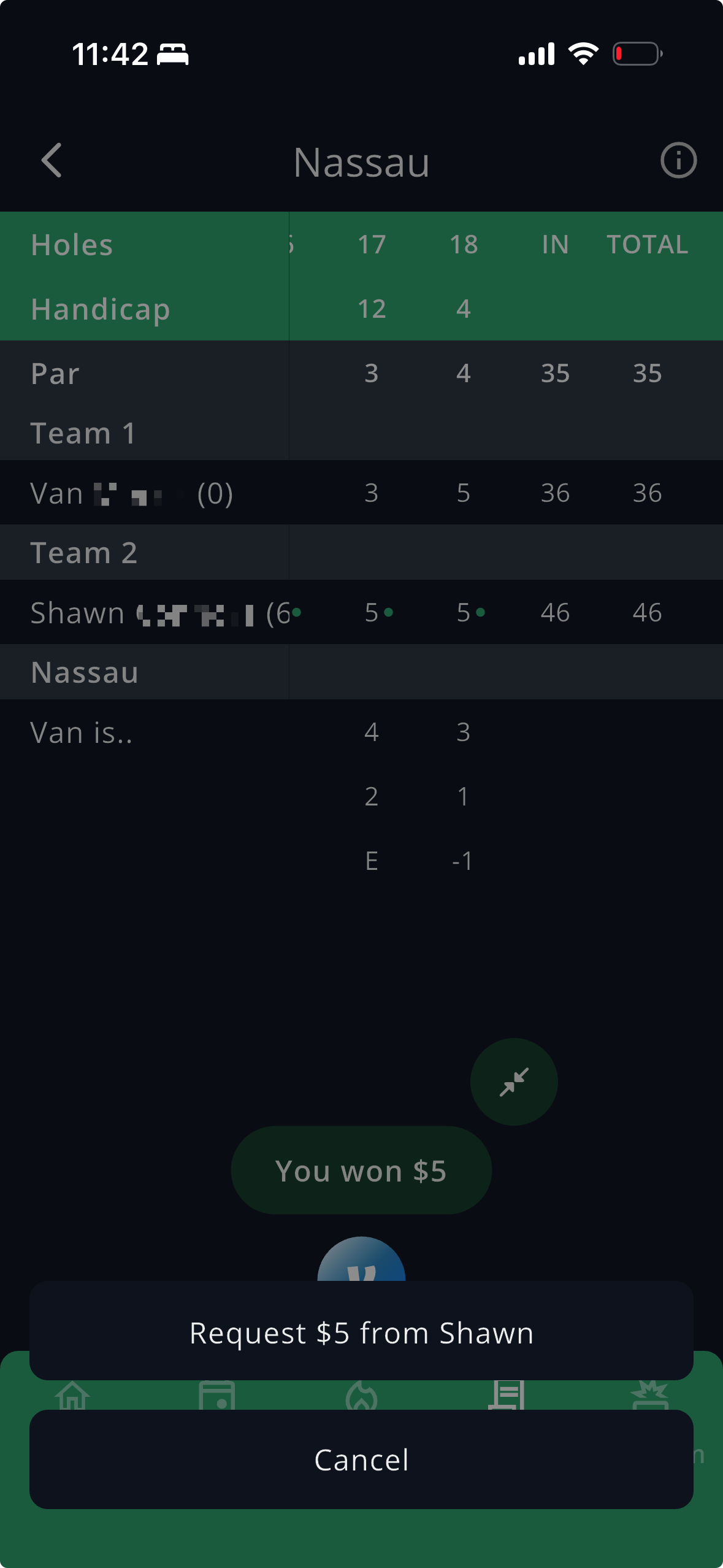
Settle up in seconds
Most golf apps stop at the math. GolfApp takes you all the way to paid.
When the round ends:
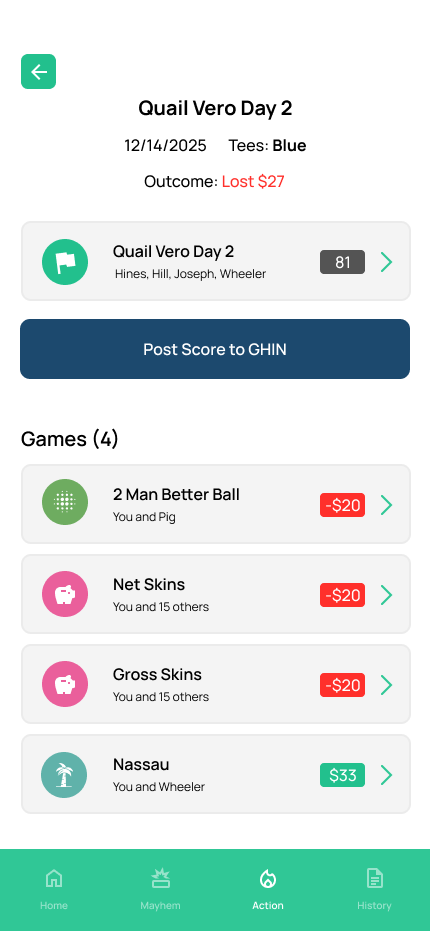
- See exactly what you won or lost in every game
- Open any game and request or pay each player through Venmo
- The game and result are written into the Venmo note for you
No tallying, no "what did I owe you," no awkward math at the bar.
After the round
Rounds don't disappear when the last putt drops.
You can:
- Fix scoring errors
- Add photos
- Add notes
- See who caddied
- Let caddies follow and participate if they want
Over time, GolfApp becomes a record of your golfing life: