Creating a round in GolfApp only takes a minute. Pick your players, choose a course, select your tees, and you're ready to go.
Starting a round
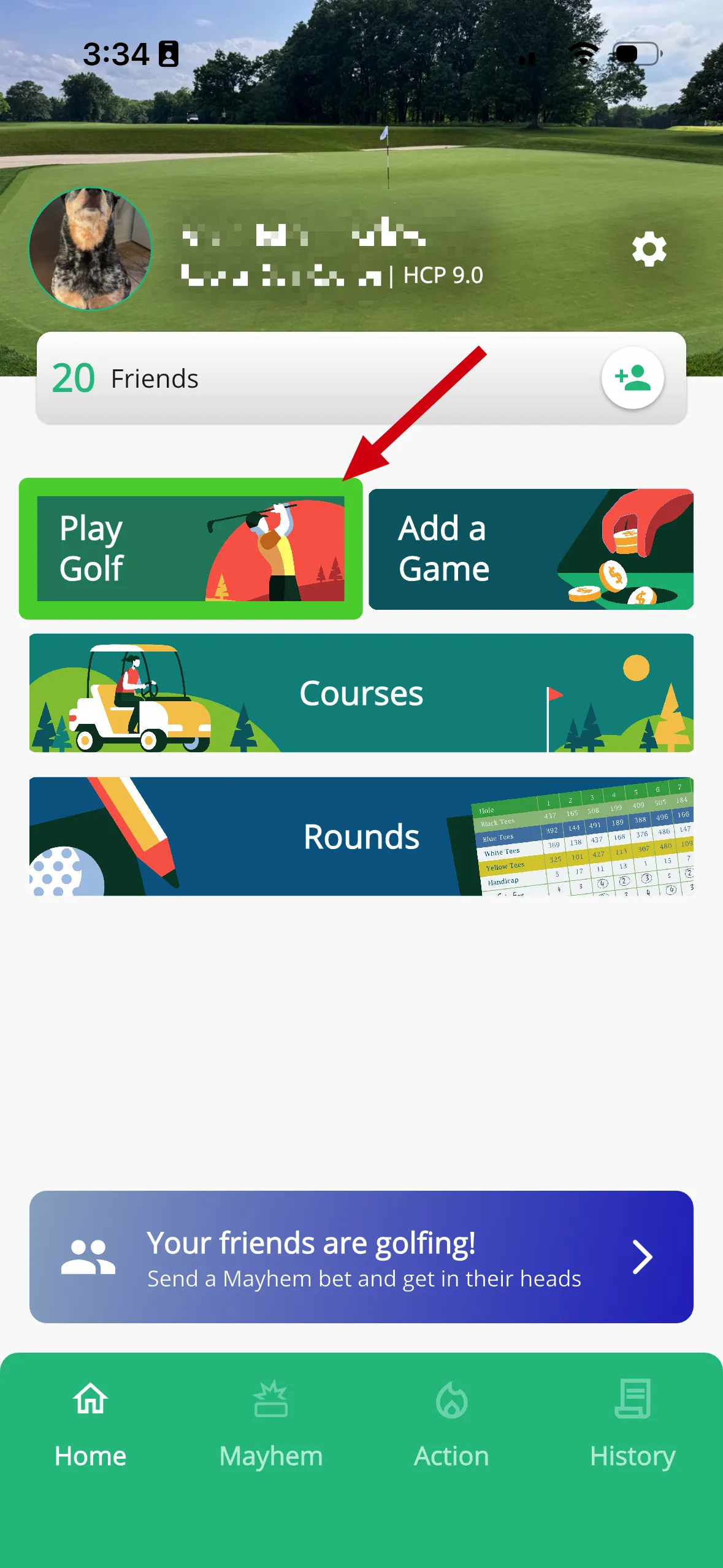
There are two ways to start creating a round:
- Tap Play Golf from the Home tab
- Tap Create Round from the Action tab
Both do the same thing — they take you to the round creation flow.
Step 1: Choose your round type
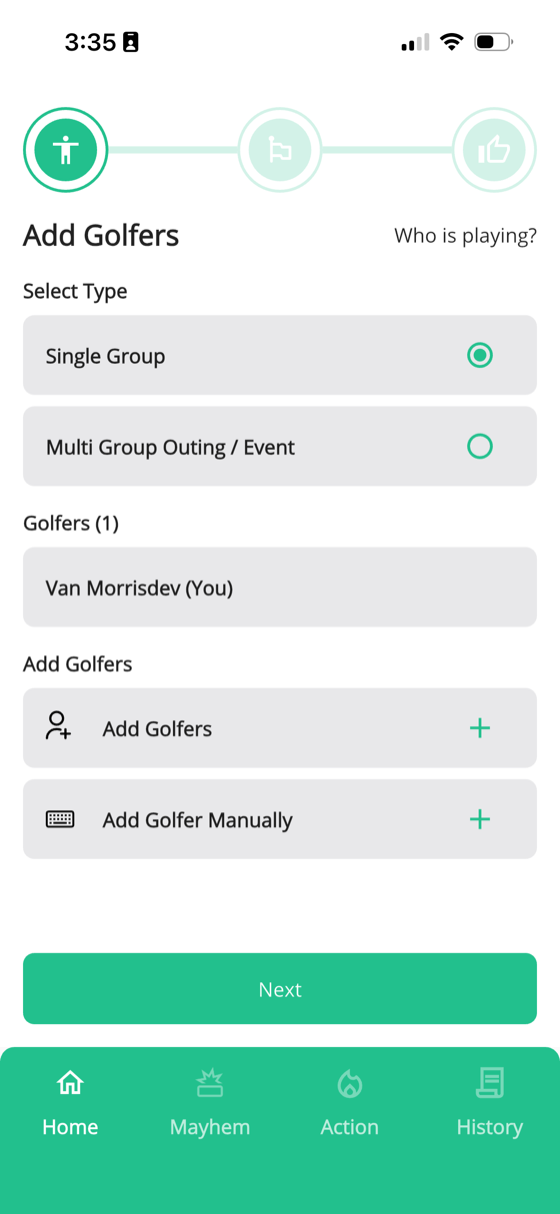
First, choose between:
Single Group
One group of up to five players. This is the most common option for a casual round with friends.
Multi Group Outing / Event
Multiple groups playing at the same time — like a golf trip, tournament, or outing. Games and leaderboards can span across all groups. For a full walkthrough, check out our Setting up a trip article.
Step 2: Add golfers
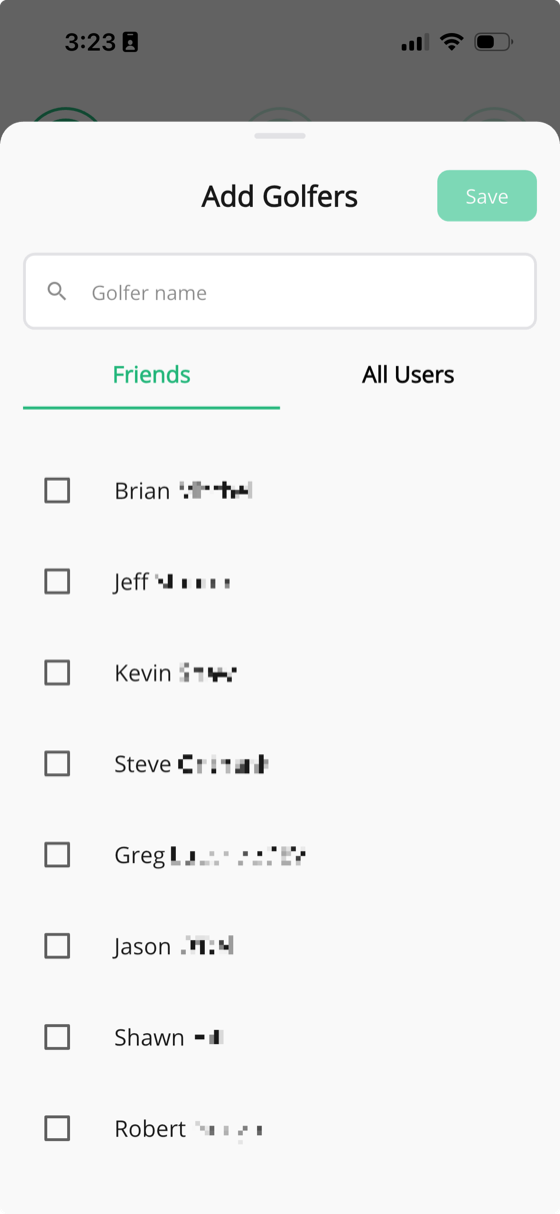
Tap Add Golfers to select players from your friends list, or search for any user on GolfApp. You can also tap Add Golfer Manually to type in a name for someone who doesn't have the app yet.
Tip: Want to send invitations instead of adding players directly? Check out How to invite players for details on listener invites.
Step 3: Choose holes and course
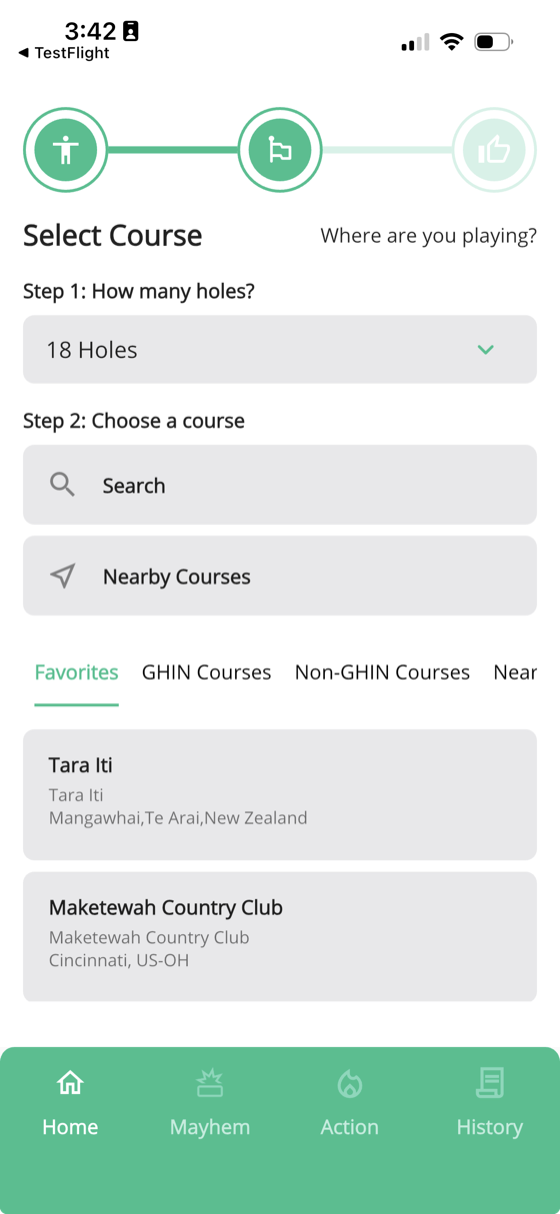
Start by selecting how many holes you're playing — Front 9, Back 9, or all 18 holes.
Then choose your course. You can find one by:
- Nearby Courses — uses your location to show what's close
- Favorites — courses you've saved for quick access
- Search — look up any course by name
- GHIN Courses — courses from the GHIN database
- Non-GHIN Courses — our curated list of courses not in the GHIN database, including international WHS courses and certain courses here in the states
Step 4: Select tees
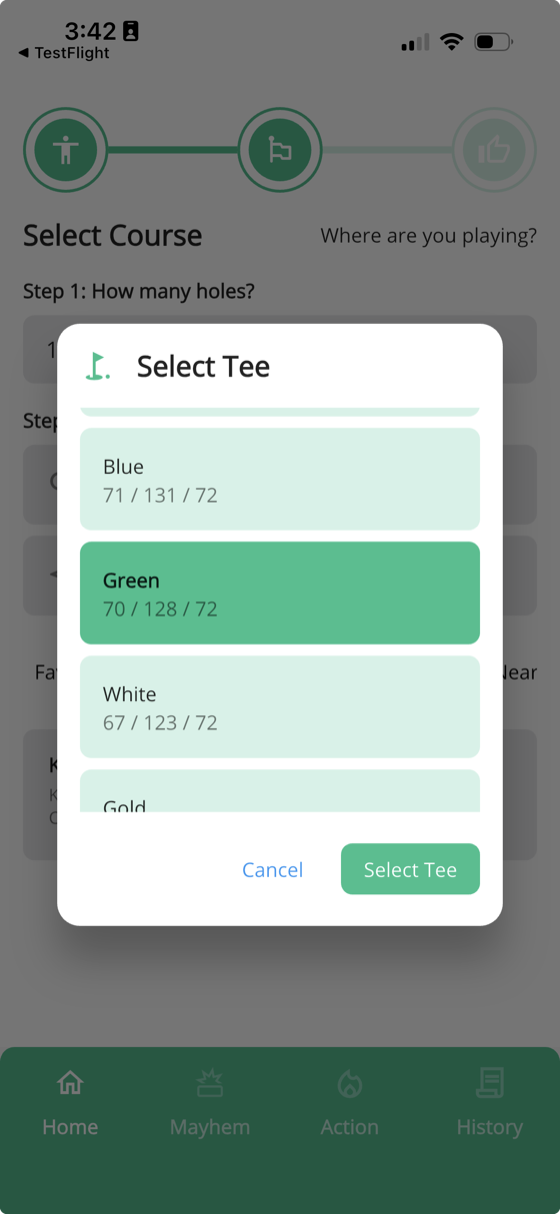
Once you've picked a course, select which tees the group will be playing. Each tee shows its rating, slope, and par so you can choose the right one.
Don't worry if not everyone is playing from the same tees — you can make individual tee adjustments for each player in the next step.
Step 5: Review and finalize
The final step lets you fine-tune everything before the round starts:
- Round name — defaults to the course name, but you can change it to whatever you'd like
- Golfer order — drag to rearrange the scoring order
- Course handicaps — double-check the calculated handicap for each player
Important: The golfer order you set here is the same order used when entering scores. If you're working off a paper scorecard, make sure these match — it'll save you time and prevent mix-ups during the round.