Adding friends in GolfApp makes it easy to create rounds together, see each other's activity, and stay connected on the course.
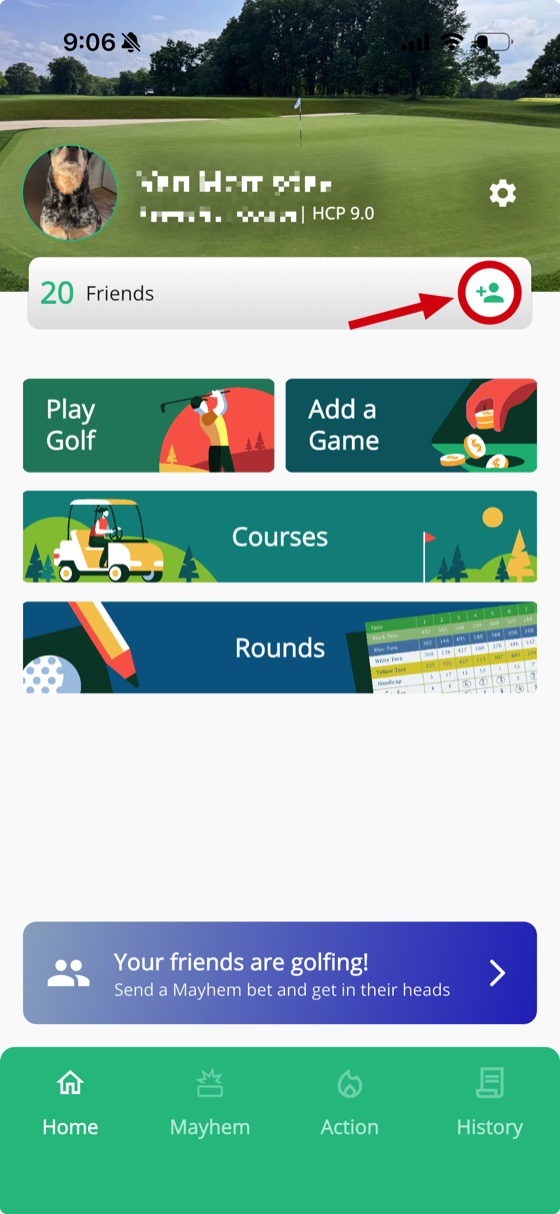
How to add friends
- From the Home tab, tap the Add Friend button in your friend bar
- Browse the smart list — people from your club, people you've played with, and friends of friends
- Tap the add icon next to anyone you'd like to send a friend request to
Search for anyone
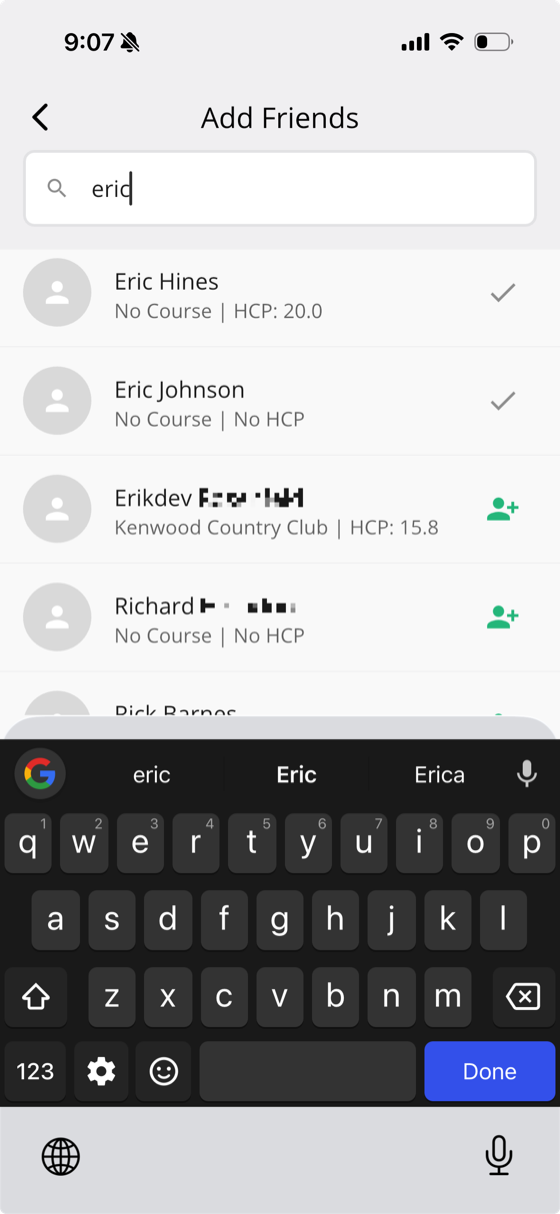
You can also type a first or last name into the search bar to find anyone in the entire GolfApp userbase. This is the quickest way to find a specific person and send them a request.
Other ways to add friends
As you use the app, you'll find other opportunities to add friends throughout. Any time you visit another person's profile — from a recent round, round details, game info, or anywhere else — you can see your friend status and send them a request right from their profile.