Three new things this time. One is for the club running the member-guest. Two are for everybody who's ever said "what was the name of that course we played?"
Your pool, on the clubhouse TV
Every member-guest has a board. Usually it's a whiteboard by the bar, or a poster somebody updates with a Sharpie between rounds, and it's wrong by Wednesday.
If your club runs its pari-mutuel pool on GolfApp, that board is now a TV. Open the pool on any computer plugged into a screen, click TV View, and go full screen.
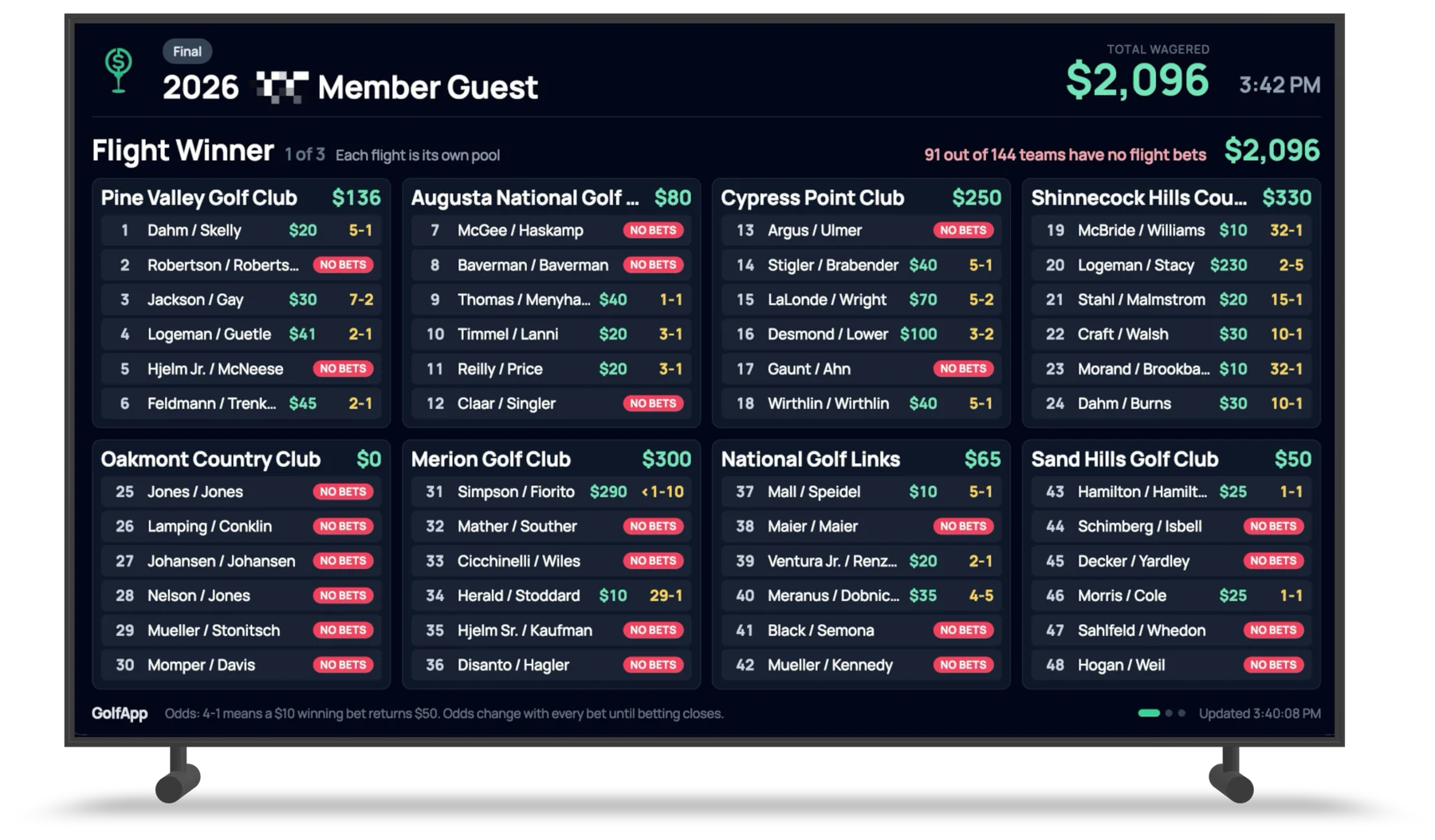
Every team, how much is on them, and the odds they're paying. It updates as bets come in, so you can put it up on Tuesday and leave it there until betting closes.
There are two ways to run it. All teams fits up to eight flights on a screen and pages through the field. Rotate goes one flight at a time, big enough to read from the far end of the grill room, with each player's handicap index next to their name.
Our favorite part is the little red line at the top: 91 out of 144 teams have no flight bets. Somebody is going to walk past that with a drink in hand, see a 32-1 long shot nobody's touched, and decide it's their week.
Photos on every round
Photos used to be reserved for events — the trips and tournaments made up of several rounds strung together. Now every round has its own Photos section, right under the games.
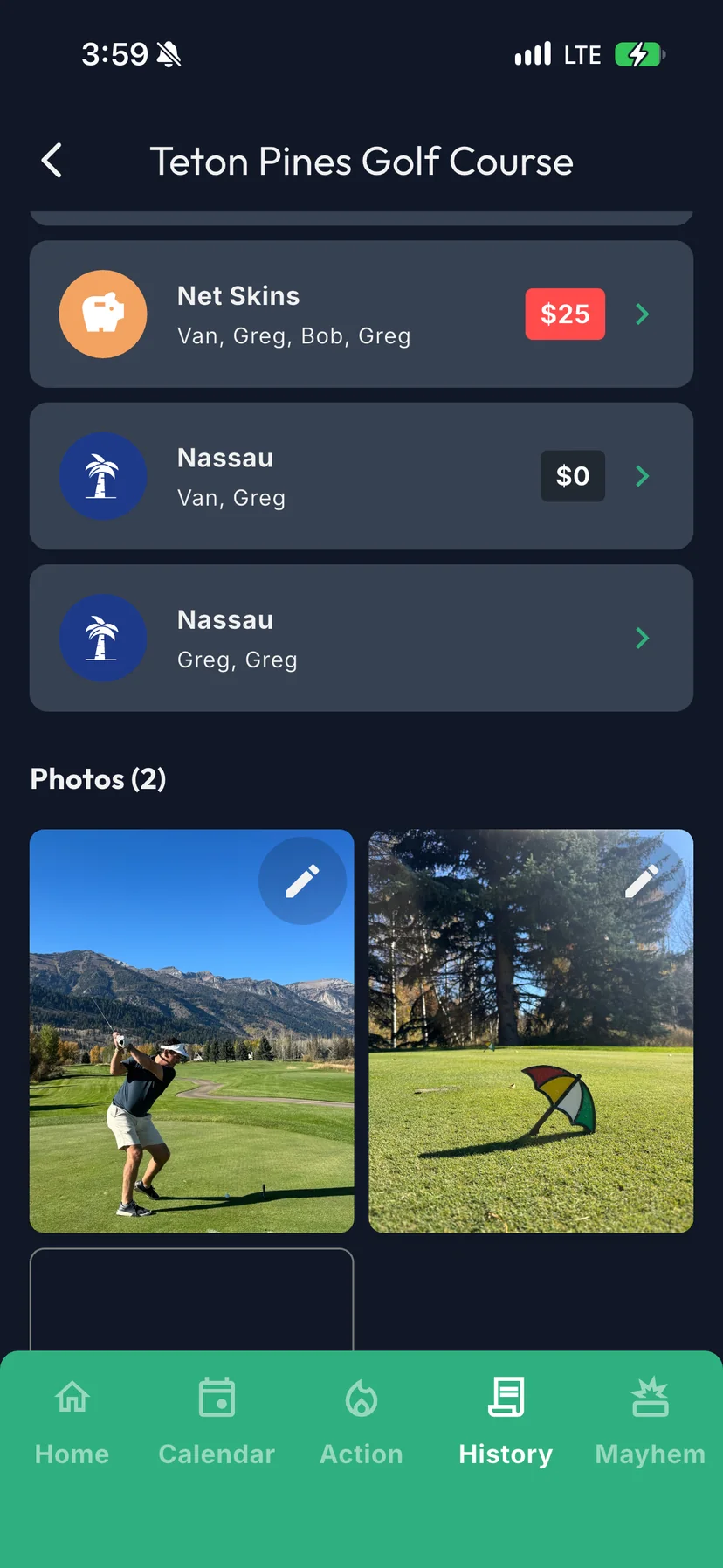
The drive on 1. The view from the 7th tee. The guy in the bunker for the third time. Add them from your camera roll, during the round or after, and they stay with that day's scorecard and that day's money.
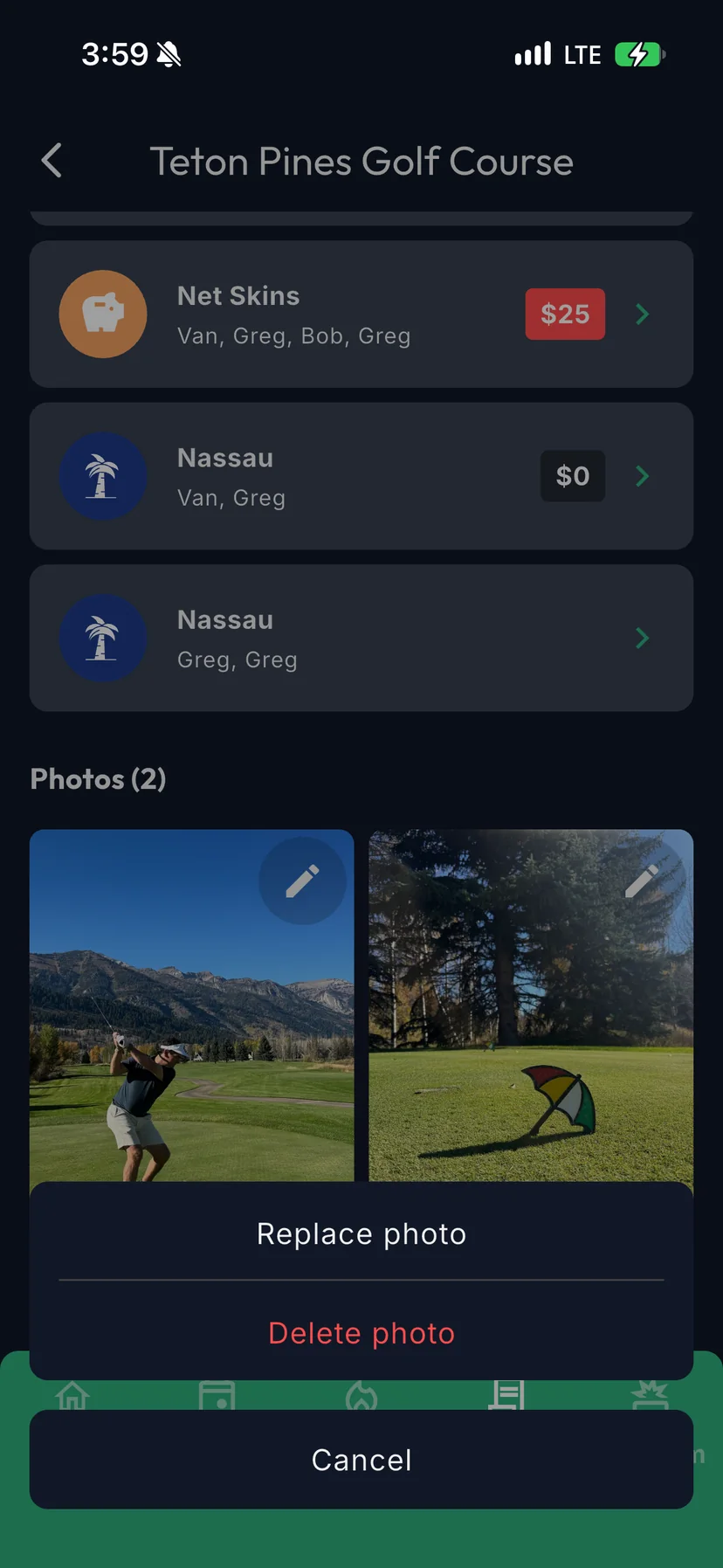
Got the wrong shot? Tap the pencil on any photo you added to replace it or delete it.
Search your history
If you've been using GolfApp for a while, your History tab is long. Now there's a search icon at the top of it.
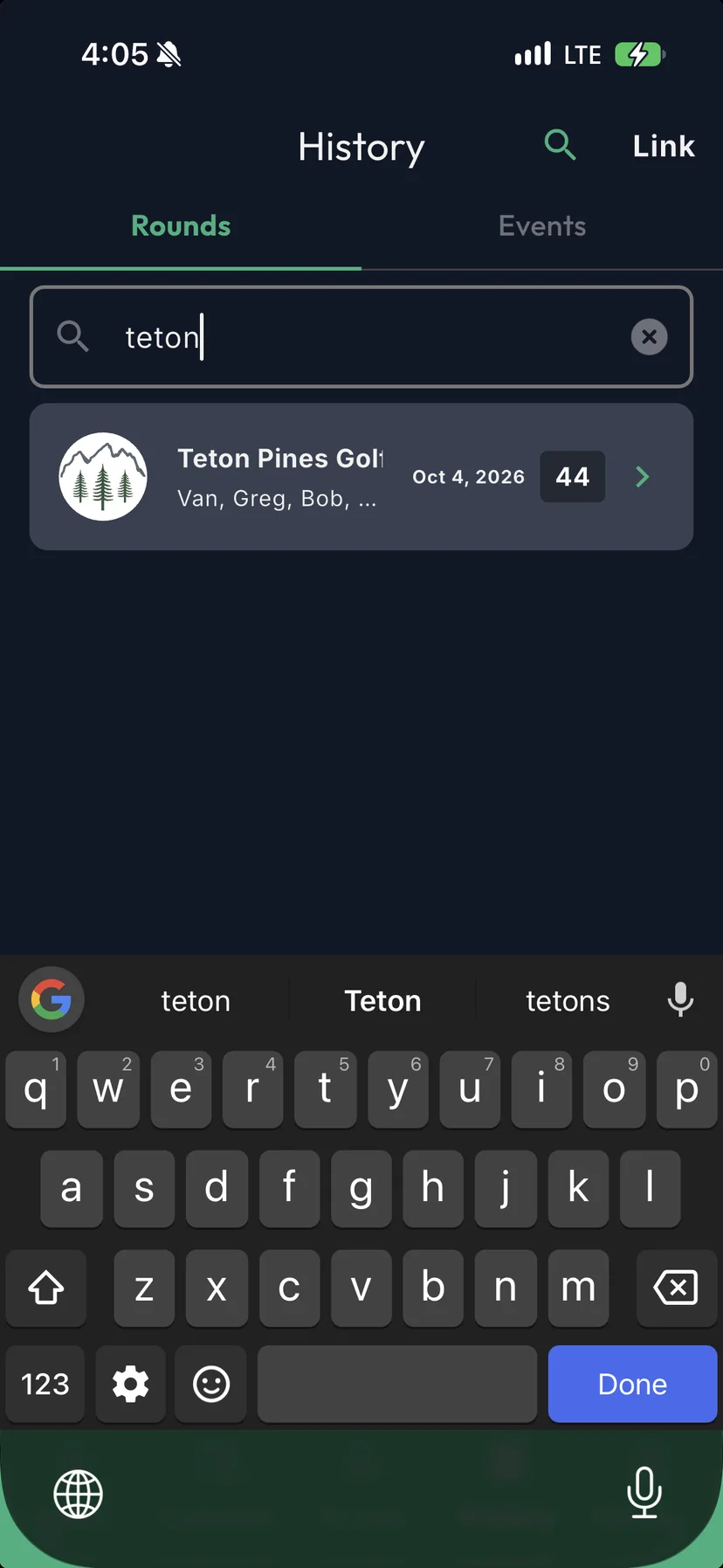
Type part of a name and results show up as you go:
- Greg finds every round you played with Greg — and with Gregory.
- Pine finds Pine Valley and Pinehurst.
- Fall Friday finds the round you named Fall Friday.
Players, courses and round names all work. It's the fastest way to settle "when was the last time we played there?" And when you find the round, the photos are waiting.
How to search your round history
All three are live now, and free, like everything else in GolfApp. Update the app to get photos and search. TV View is on the web, so it's already there.
Enjoy the mayhem.